01
Step 1 – Upload Your Tattoo Design
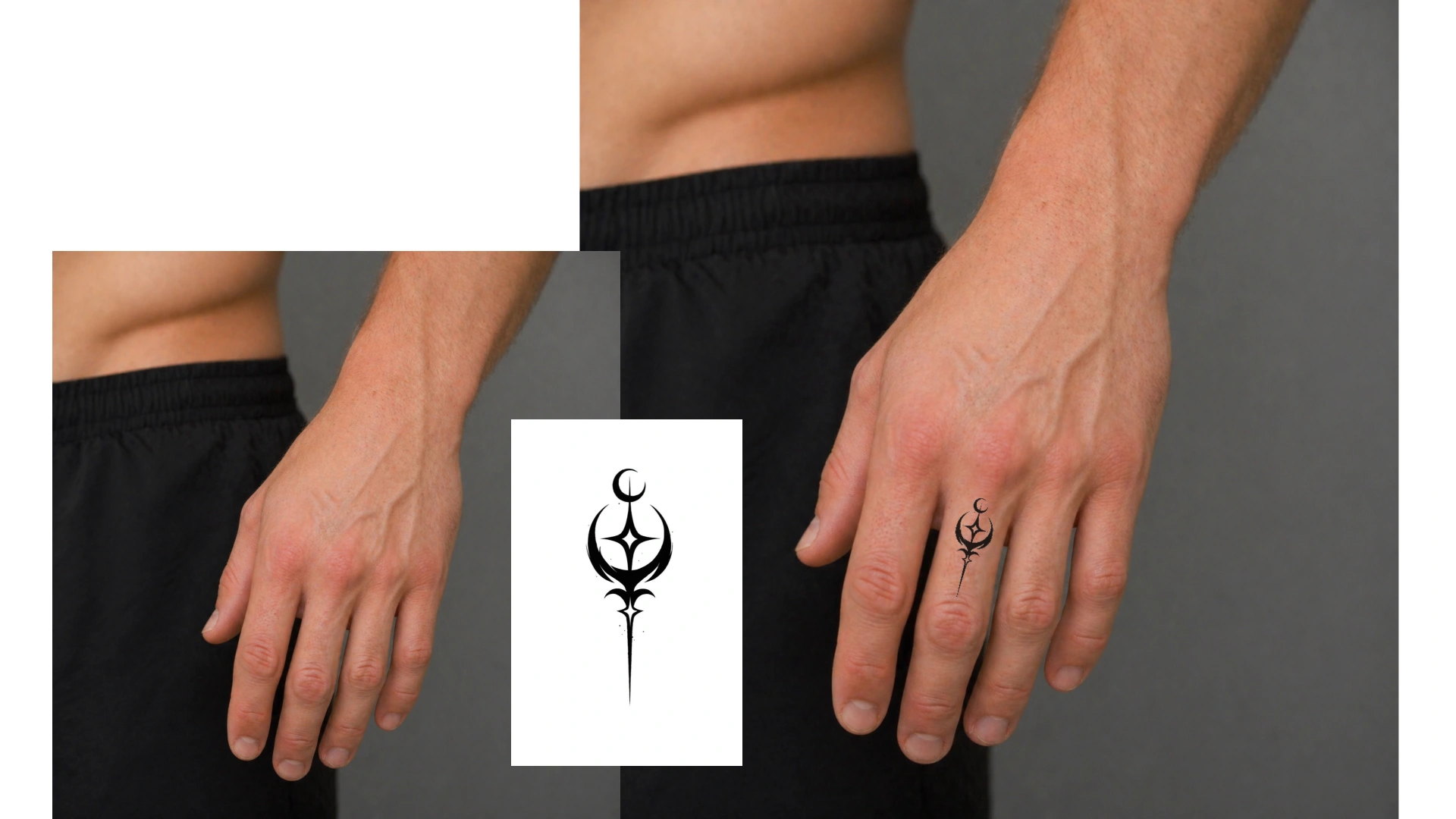
Choose a clear tattoo image with a white background for cleaner edges and a more natural preview.

Virtual Tattoo Try-On
Upload Tattoo Design
Click or drag files here
Supports image files
Image: JPG / PNG / WEBP, ≤10.0MB, up to 1 images, width & height ≥100px, aspect ratio 1:8 ~ 8:1
Upload Body Photo
Click or drag files here
Supports image files
Image: JPG / PNG / WEBP, ≤10.0MB, up to 1 images, width & height ≥100px, aspect ratio 1:8 ~ 8:1
⌁ Images are processed only in this browser and are not uploaded automatically.
Result Preview
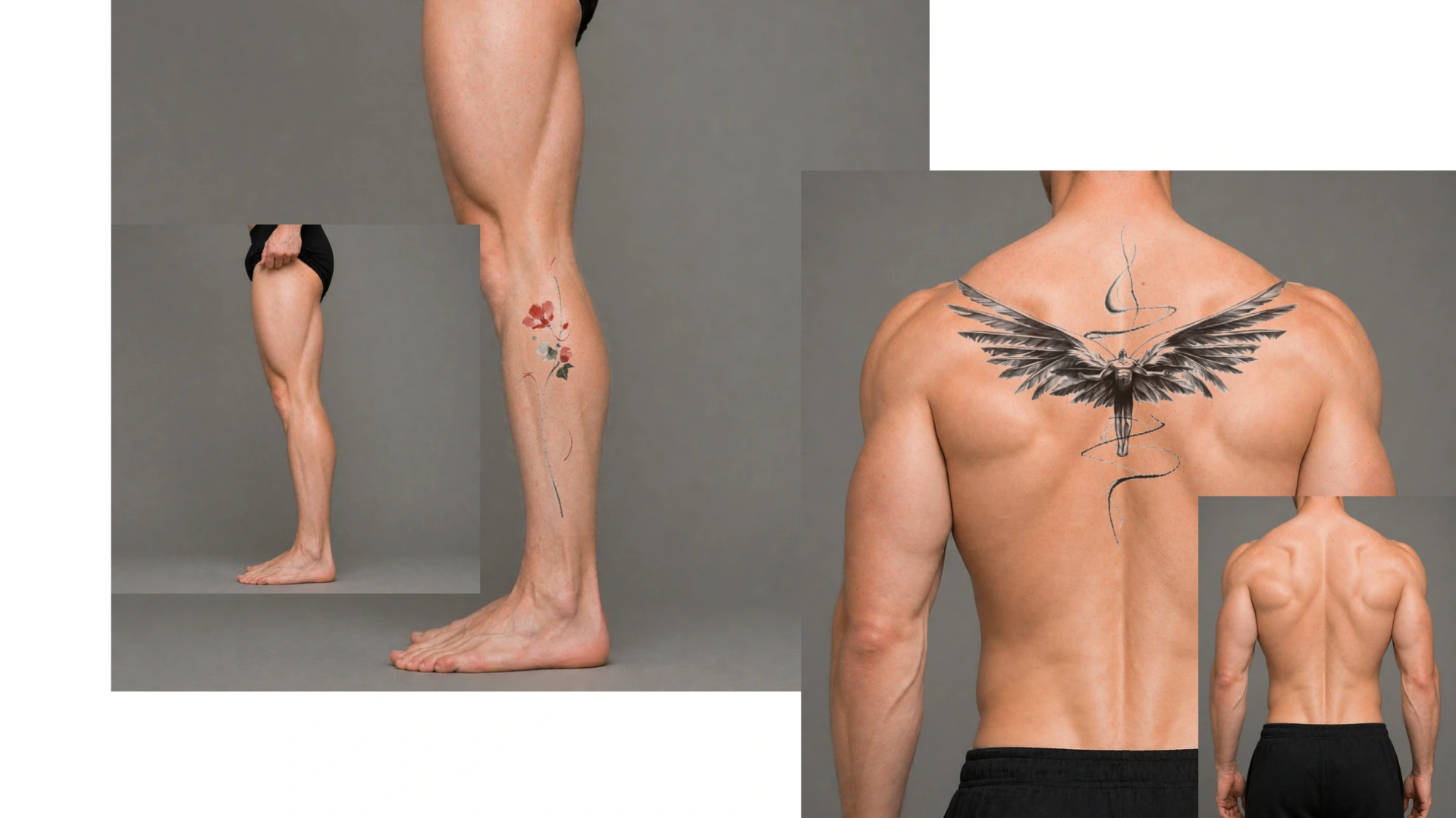
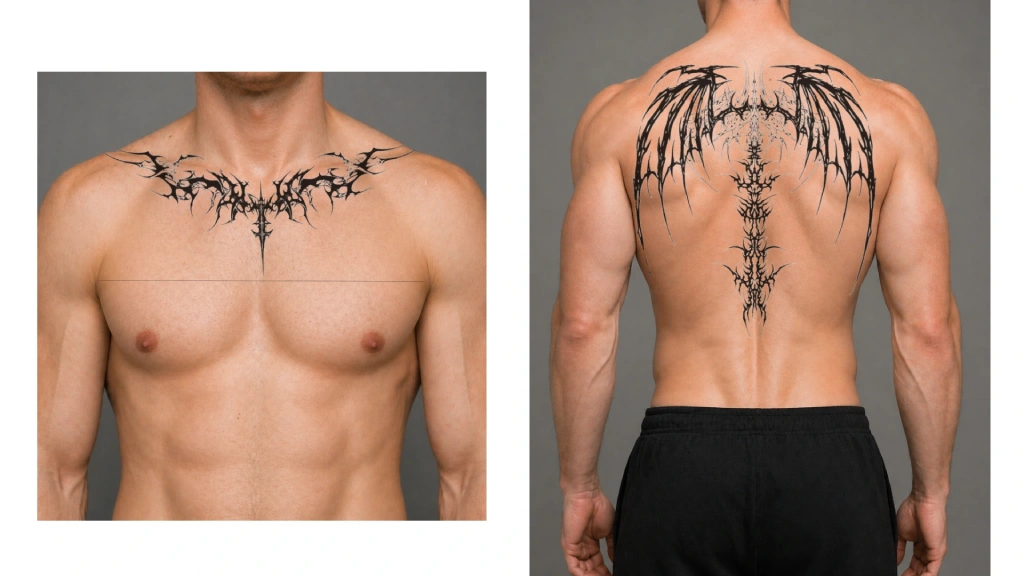
Choose a clear photo of an arm, leg, shoulder, or back.
Then position the tattoo freely in the preview.