Tattoo Editor
Brush25
Eraser25
Reset
Image Switch
Drag File Here or Click To Upload
Support upload format: jpg,png,jpeg, images up to 20 MB
NaN%
Prompt
0 / 1000
- My Creations

Online Free Tattoo Editor – Edit & Design Tattoos on Your Photos
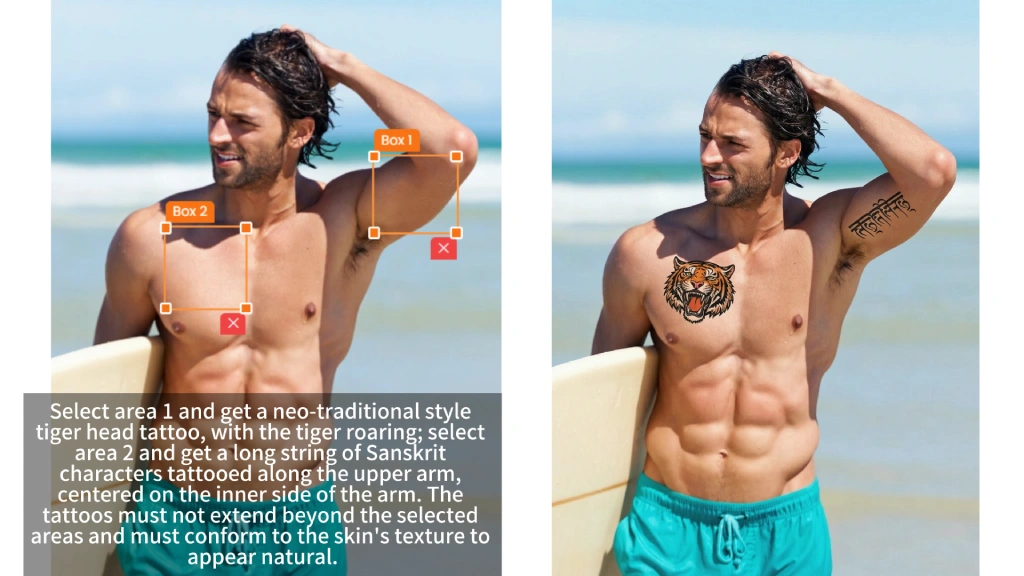
With Tattfly's tattoo editor, you can simply upload a picture, paint over the area you want to edit, and input your ideas to achieve creative results.

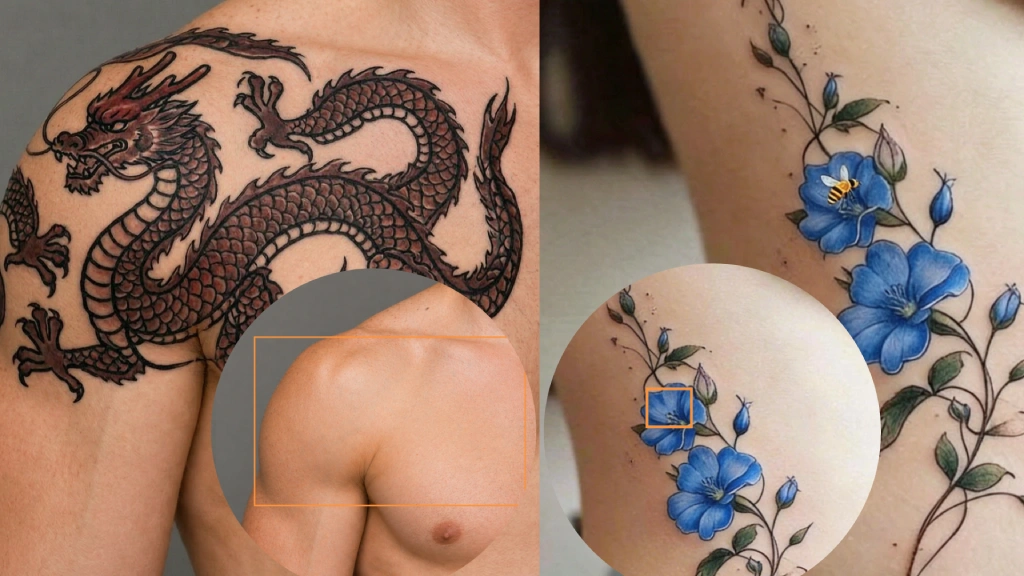
Custom Tattoo Designs on the Skin
Create custom tattoo designs on your skin using our AI-powered tattoo design maker. Whether you're collaborating with a professional tattoo artist or exploring your creativity alone, you can preview the tattoo effect directly on a real photo. From delicate finger tattoos to striking sternum tattoos, you can easily adjust the position, size, and style, previewing the final result before getting your tattoo.

Modifying Tattoo Designs
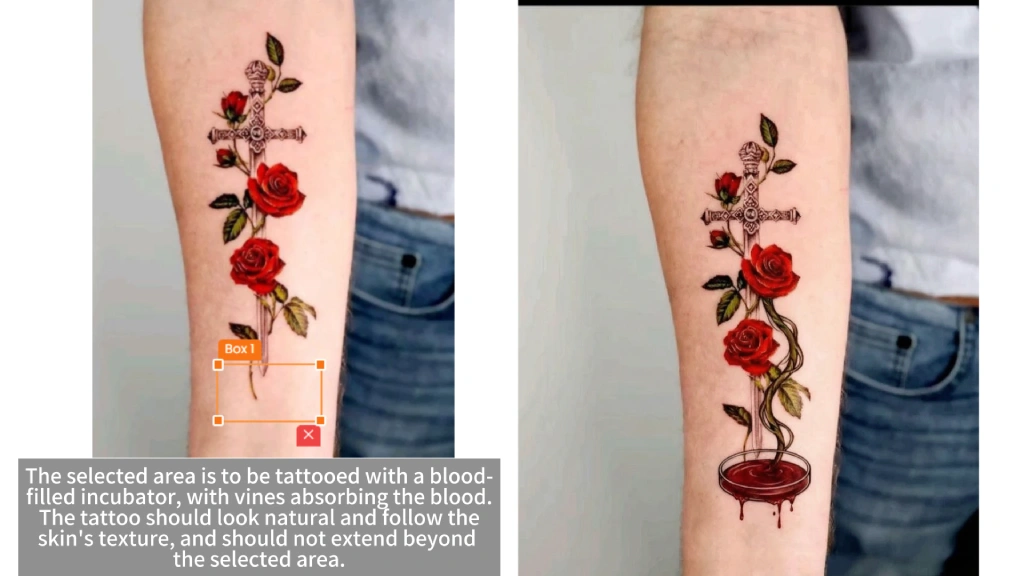
Easily modify your tattoo designs using AI-powered photo editing tools. With simple text prompts, you can change details, refine lines, or redesign sections of an existing tattoo. Ideal for editing tattoos on photos, testing new styles, or creating realistic tattoo mockups before getting a real tattoo.
How to Use Tattfly's Tattoo Editor?
Step 1: Upload Photo & Brush
Upload the image you want to edit and use the brush tool to paint over the areas you want to recreate.
Step 2: Enter your ideas & Click
Enter your ideas, and the tattoo designer will blend them with the original image.
Step 3: Download & Share
Download and share with your tattoo artist to turn them into realistic effects.
FAQs about Tattoo Editor
- This is an online image editing tool. After uploading your image and coloring the area you want to edit, simply describe your ideas in text. Don't worry, Tattfly will use advanced algorithms to redraw your tattoo design while protecting your privacy.
- Of course! We offer up to 39 free uses per day.
- Of course, the results generated by AI are all unique, and you can use them anywhere, provided they do not involve sensitive content or infringe on copyrights.
- Creating your perfect tattoo design is as simple as three steps:
1. Upload a selfie. The photo must clearly show the body parts.
2. Use the brush tool to paint over the area you want to edit. Remember not to paint beyond the area you want to design.
3. Click the "Generate" button and wait a moment to get your tattoo design.